

Show Key Points
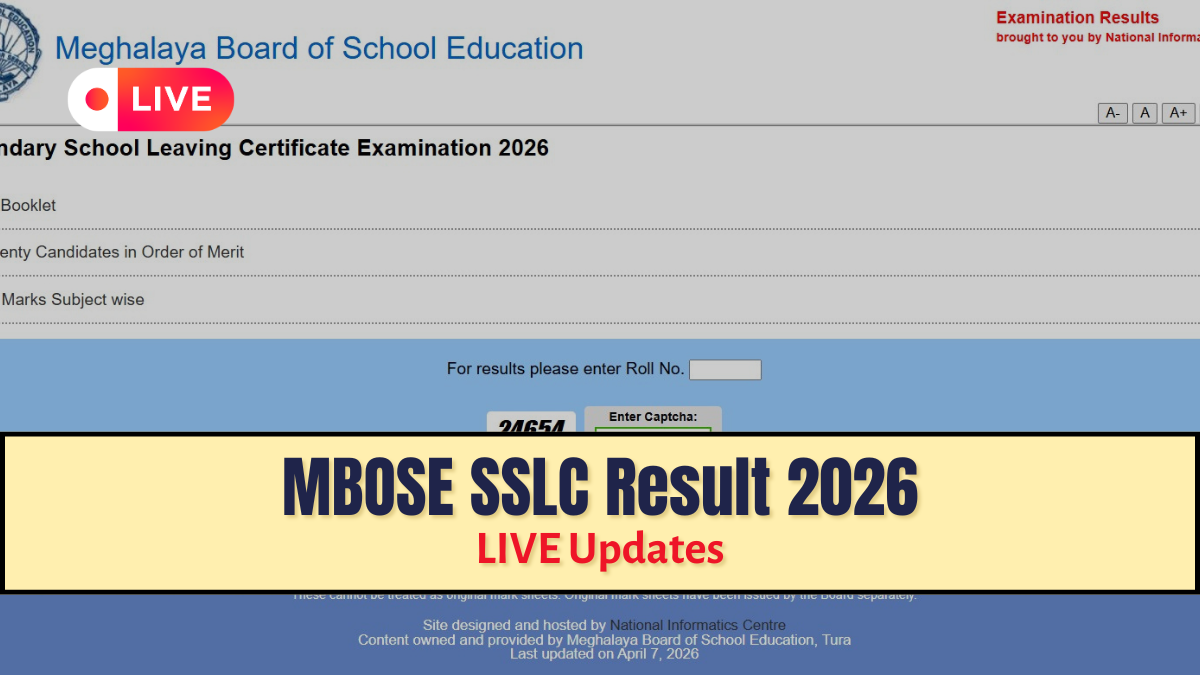
mbose.in:- Meghalaya Board of School Education, MBOSE, has declared the SSLC, Class 10, results 2026 today, April 7, 2026, at 11:00 AM. Students who have appeared for the board examinations are eagerly waiting for the results announcement. Once the MBOSE SSLC results 2026 are released, the result link will be activated on the official website, which includes mbose.in, www.mboseresults.in, www.megresults.in.
The other alternative options from which the students of class 10 can access their MBOSE SSLC Result 2026 include jagranjosh.com/results and a government-based platform, DigiLocker. Candidates are advised to keep their roll numbers ready to avoid last-minute hassle while checking their results.
Check MBOSE SSLC Result 2026 - Link Here
mbose.in Result 2026: How to Download SSLC Result PDF
Meghalaya Board of School Education, MBOSE, has announced the SSLC result today, April 7, 2026, at 11:00 AM, on its official website, mbose.in. Students who appeared for the board exams will be able to check their results using their login credentials. To download the MBOSE SSLC Result 2026 PDF, students should follow these simple steps:-
- Visit the official website mbose.in
- Click on the tab that says results
- Enter your login credentials, such as the roll number and other required information.
- Click on the submit button
- Your result will appear on the screen.
- Download and save the result PDF for future reference.
The online result will include important details such as the student’s name, roll number, subject-wise marks, total marks, and result status. Students are advised to carefully check all the details mentioned in the scorecard. It is important to note that the online result is provisional in nature. Students will need to collect their original mark sheets from their respective schools after the official declaration.
Check For Latest Updates Here:-
| Updated on April 7, 2026 at 12:04 AM |
| Given below is the result statistics of students of Regular 2 category total passed student and pass percentage:-
|
| Updated on April 7, 2026 at 11:53 AM |
| Given below is the result statistics of students of Regular 2 category that passed the exam:-
|
| Updated on April 7, 2026 at 11:26 AM |
| Given below is the result statistics of students of Regular 2 category:-
|
| Updated on April 7, 2026 at 11:18 AM |
| Given below is the result statistics of students of Regular 1 category total passed student and pass percentage:-
|
| Updated on April 7, 2026 at 11:11 AM |
| Given below is the result statistics of students of Regular 1 category that passed the exam:-
|
| Updated on April 7, 2026 at 11:06 AM |
| Given below is the result statistics of students of Regular 1 category:-
|
| Updated on April 7, 2026 at 11:02 AM |
| Students can also check their MBOSE SSLC or Class 10th result on official websites, which are as follows:-
|
| Updated on April 7, 2026 at 10:57 AM |
|
| Updated on April 7, 2026 at 10:55 AM |
| The MBOSE Class 10th 2026 exams were held from January 30 to February 11, 2026. |
| Updates on April 7, 2026 at 10:49 AM |
| Along with the individual results, MBOSE will also release:-
|
| Updated on April 7, 2026 at 10:45 AM |
| If the official websites are slow due to high traffic, you can check your result by sending an SMS as follows:-
|
mbose.in Result 2026: Official Website to Download SSLC Result
In case there is heavy traffic on the official website, i.e., mbose.in, students may experience delays. Therefore, it is recommended to keep checking the official website regularly for updates. The other alternative websites to check the MBOSE SSLC result 2026 if the official website is down are as follows:-
- mbose.in
- www.mboseresults.in
- www.megresults.in.
- jagranjosh.com/results
- DigiLocker
How to Download MBOSE Class 10th Marksheet via DigiLocker?
Students can use DigiLocker to access their Class 10th MBOSE digital marksheet securely. Follow these steps to download the Class 10th Meghalaya Board marksheet via DigiLocker:-
- Visit the official DigiLocker website or open the app.
- Sign in using your registered mobile number or Aadhaar Number.
- If you are a new user, complete the sign-up process.
- Go to the Issued Documents section.
- Select Education and choose Meghalaya Board (MBOSE).
- Enter your roll number and required details.
- Click on Get Document.
- Your MBOSE Class 10 marksheet will appear on the screen.
- Download and save it for future use.
The NMC issued a warning after India identified anomalies at multiple Uzbekistan medical colleges, including questionable admissions and noncompliance with India's Foreign Medical Graduate Licentiate (FMGL) Regulations. To avoid future licensing concerns, the NMC strongly recommends Indian students seeking MBBS admission abroad to verify the credentials, course details, and recognition of institutions themselves, rather than relying on middlemen.



Comments
All Comments (0)
Join the conversation