Show Key Points
Madhya Pradesh Board of Secondary Education, MPBSE, will release the much-awaited High School, Class 10 and Higher Secondary, Class 12, results today at 11:00 A.M. Following a press conference held at the CM’s residence in Bhopal, the digital scorecards will be available for students across the state. This year, the board has integrated multiple platforms to ensure a seamless result-checking experience.
The official platforms where the students of Class 10th and 12th will be available to view or download their results for 2026 include mpbse.mponline.gov.in, DigiLocker, UMANG App, Jagranjosh.com/results, SMS services, and the MPBSE Mobile app of the board.
Official Websites to Check MPBSE Result 2026
Once the results are released, students are advised to check the following websites or platforms to access their Class 10th and 12th results:-
- mpbse.mponline.gov.in
- DigiLocker
- UMANG App
- MPBSE Mobile App
For faster access during high traffic, students can also use jagranjosh.com/results to view their subject-wise scores and promotion status immediately.
Check Latest Update Here!!
| Updated on 10:16 AM |
| MPBSE Result 2026 Just 45 Minutes Away!! The MPBSE Results 2026 for Class 10th and 12th are just 45 minutes away. |
| Updated on 10:07 AM |
| MPBSE Result 2026: Details Mentioned In the Marksheet When the MPBSE Results 2026 are declared, check the following information as soon as you get the provisional marksheet. |
| Updated at 9:47 AM |
| The MPBSE Results 2026 official website link will go live in approximately in 1hour and 50 minute. |
| Updated at 9:33 AM |
| Quick Checklist to Keep Ready before Exam!!
To prepare for the MPBSE results today at 11:00 AM, students should have the following checklist ready:-
|
| Updated at 9:21 AM |
| MPBSE Results 2026: 2 hours To Go!! The MPBSE Results 2026 Countdown is on!! We are less than 2 hours away from the official announcement. The results will be formally announced during a press conference. The results will be announced by the Honourable Chief Minister at his residence, Samatva Bhavan. |
| Updated at 9:07 AM |
| MPBSE Results 2026: Passing Marks and Second Exam!! To qualify for the MP Board Class 10th and 12th results 2026, students need to score atleast 33% in each subject. For those students who are not satisfied with their marks or fail in one or two subjects, they also appear for the Second Exam (Supplementary), which is scheduled to start from May 7, 2026. |
| Updated at 8:53 AM |
| MPBSE Results 2026: Quick Statistics!! The total number of students who appeared in the MPBSE Board Exam 2026 are as follows:-
|
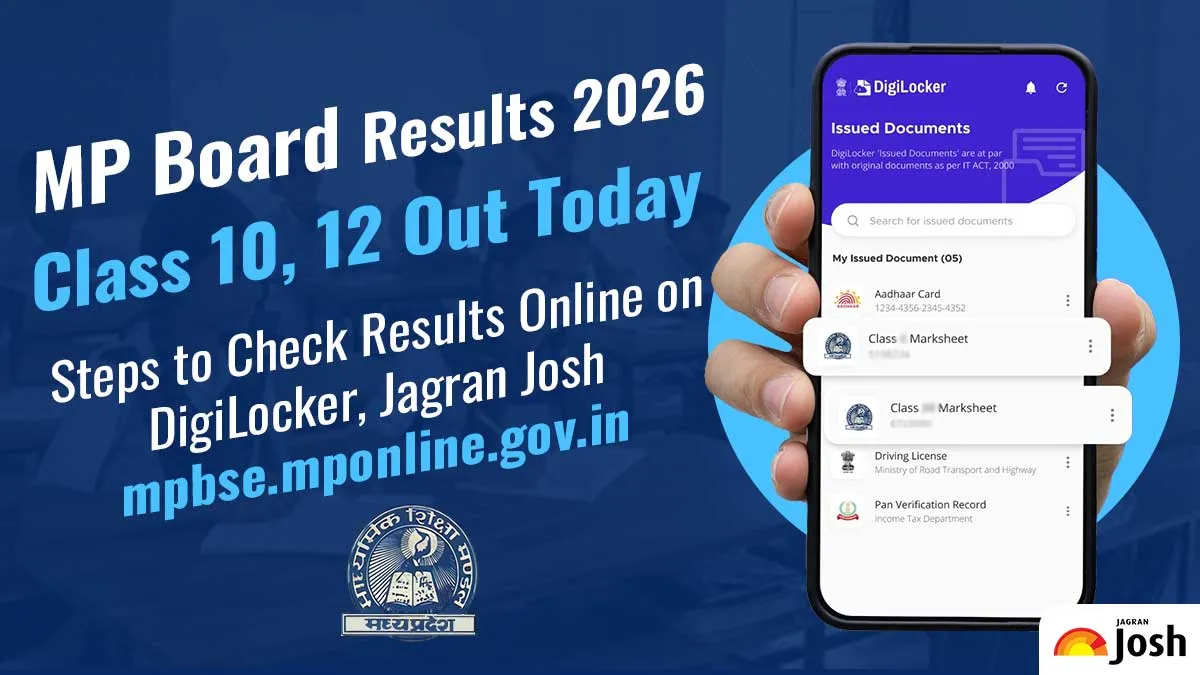
MPBSE Results 2026: How to Check MP Board Result on DigiLocker App and Website?
Students can use DigiLocker to access their Class 10th or 12th Madhya Pradesh Board digital marksheet securely. Follow these steps to download the Class 10th and 12th MPBSE marksheet via DigiLocker:-
- Visit the official DigiLocker website or open the app.
- Sign in using your registered mobile number or Aadhaar Number.
- If you are a new user, complete the sign-up process.
- Go to the Issued Documents section.
- Select Education and choose Madhya Pradesh Board (MPBSE).
- Enter your roll number and required details.
- Click on Get Document.
- Your MPBSE Class 10 and 12th marksheet will appear on the screen.
- Download and save it for future use.
MPBSE Results 2026: How to Check MP Board Result on UMANG App and Website?
The UMANG app also offers access to Class 10th and 12th MPBSE results. Follow these steps to download the Class 10th and 12th marksheet via the UMANG App:-
- Install and open the UMANG app.
- Register or log in using your mobile number.
- Search for MPBSE or Madhya Pradesh Board in the search bar,
- Click on MPBSE Class 10 or MP 12 Result 2026.
- Enter your roll number and other required details.
- Submit the information.
- Your results will be displayed on the screen.
- Download or take a screenshot for reference.
Other Ways Official Websites to Check the MP Board Result
Apart from the DigiLocker and UMANG App, students can also check their results on the official educational platform hosting MPBSE results, which is as follows:-
jagranjosh.com/results.
Students simply need to enter their roll number to access their marksheet.