WBCHSE HS Result 2026 Declared at wbresults.nic.in and Digilocker - Download Marksheet PDF Here


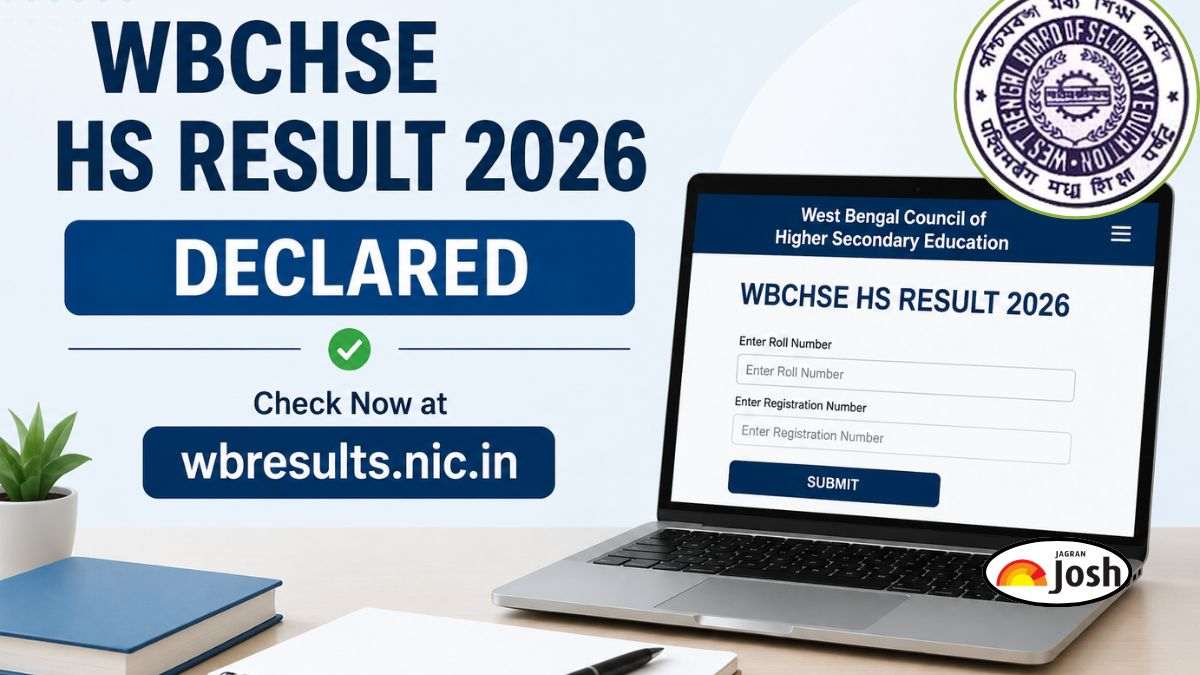
The West Bengal Council of Higher Secondary Education has announced the WBCHSE HS Result 2026 today, May 14, 2026. The result link was activated at 11 AM on official portals including wbresults.nic.in. Students can check their West Bengal Uchcha Madhyamik Result 2026 using their roll number. The marksheet can also be downloaded through DigiLocker, and it includes subject-wise marks, total score, and qualifying status.
Check WBCHSE HS Result 2026 New Syllabus
Check WBCHSE HS Result 2026 Old Syllabus
The West Bengal Council of Higher Secondary Education has officially declared the WBCHSE HS Result 2026 today, May 14, 2026. Students who appeared for the West Bengal Uchcha Madhyamik Examination 2026 can check their results online through the official result portals. The direct result link was activated at 11 AM.
Candidates can access their WB HS Result 2026 marksheet PDF by entering their roll number and name on the official websites, wbresults.nic.in and DigiLocker platform.
WBCHSE HS Result 2026 Important Dates
Result Declaration Time: 10:30 AM
Result Link Activation Time: 11 AM
Result Date: May 14, 2026
How to Check WB HS Result 2026 through wbresults.nic.in ?
Follow these steps to download the WBCHSE HS Result 2026 marksheet PDF:
- Visit the official result website, wbresults.nic.in
- Click on the “WB HS Result 2026” link available on the homepage.
- Enter your roll number and registration number.
- Click on the submit button.
- Your WBCHSE Result 2026 will appear on the screen.
- Download and save the marksheet PDF for future reference.
How to Download WB HS Result 2026 via DigiLocker
Students can also access their provisional marksheets through DigiLocker.
Steps to Download Marksheet on DigiLocker
- Login to DigiLocker using your registered mobile number.
- Search for WBCHSE marksheet services.
- Select the academic year 2026.
- Enter the required credentials.
- Download the digital marksheet PDF.
Details Mentioned on WBCHSE HS Result 2026
The online marksheet will contain the following details:
- Student’s name
- Roll number
- Registration number
- Subject-wise marks
- Total marks obtained
- Division/Grade
- Qualifying status
Students are advised to verify all information mentioned on the provisional scorecard carefully.
Apeksha Agarwal is a content writer whose commitment is to helping the students succeed. She dedicates her work to delivering timely, accurate, and genuinely impactful coverage of essential Education News and school topics. As an education beat writer, she specializes in clarifying complex School Board updates (like CBSE) and providing practical, Exam Preparation guidance. She strives to be a definitive and trustworthy source of academic information, making the competitive journey clearer for students and parents. Ultimately, her mission is to craft educational content that is highly visible, easy to understand, and fundamentally useful to their daily lives. She can be reached at apeksha.agarwal@jagrannewmedia.com.



Comments
All Comments (0)
Join the conversation