AIAPGET 2026 Provisional Answer Key Released; Download PDF at exams.nta.nic.in


AIAPGET 2036 provisional answer key PDF is now available on the official website. Candidates can submit the challenges to the provisional answer key through the official website: exams.nta.nic.in
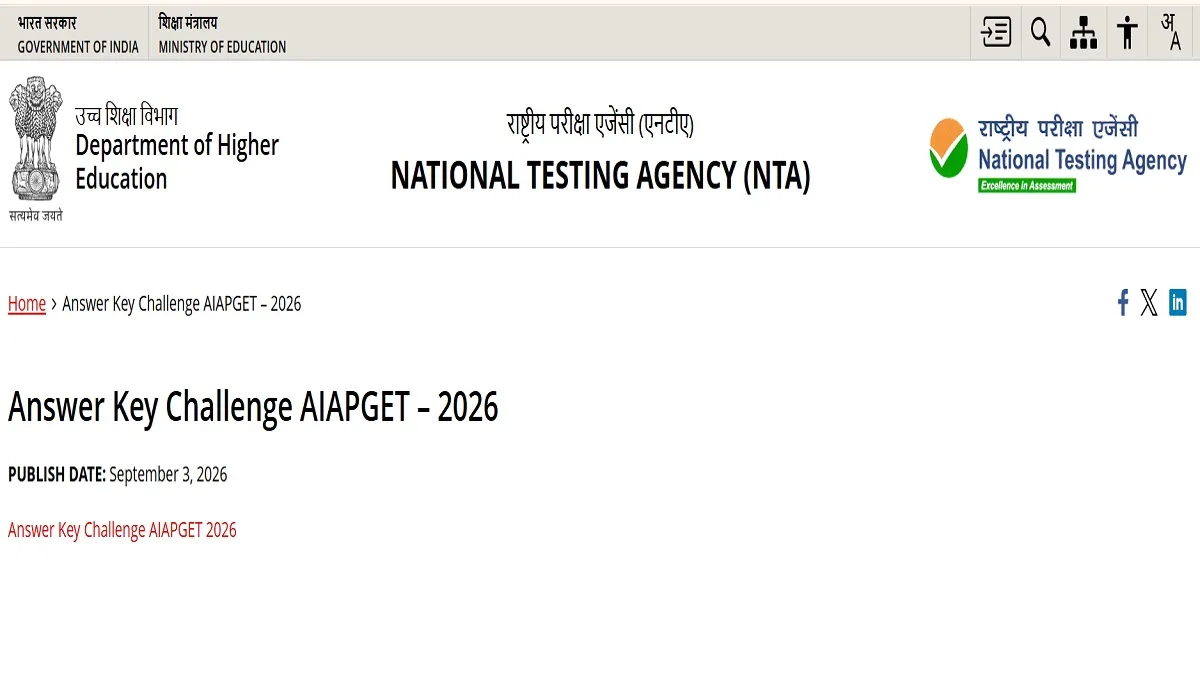
AIAPGET 2026 Provisional Answer Key: The National Testing Agency has released the provisional answer key for AIAPGET 2026. Candidates who have appeared for the entrance exam can check the provisional answer key PDF through the link available on the official website.
NTA conducted the All-India Ayush Post Graduate Entrance Test (AIAPGET) on August 22, 2026, in about 205 examination centres located in 104 Cities across the Country for about 51,482 candidates and on September 1, 2026 for 49 candidates scheduled in Rajasthan College of Engineering for Women, Jaipur, in Computer Based Test (CBT) mode. Candidates who appeared for the exam can download the AIAPGET 2026 provisional Answer Keys, along with the Question Papers with Recorded Responses, on the website. Students have also been given a window to raise objections to the provisional answer key.
AIAPGET 2026 Answer Key Challenge - Click Here
AIAPGET 2026 Answer Key Challenge Date
As per the official notification shared, students who wish to challenge the provisional answer key can do so through the window available on the official website. According to the dates provided, the last date for candidates to raise objections to the AIAPGET 2026 provisional answer key is September 5, 2036. Students are advised to submit all challenges before the deadline and complete the fee payment process.
How to Challenge the AIAPGET 2026 Provisional Answer Key
Candidates who have appeared for the AIAPGET 2026 exams can follow the steps provided below to submit challenges on the provisional answer key
Step 1: Visit the official website of AIAPGET
Step 2: Click 'Challenge (s) regarding Answer Key
Step 3: Log in with your Application Number and Password and enter the captcha
Step 4: Click on "View Question Paper" for marked/recorded responses, and to view or challenge the Answer Keys, click on the link "Click to view/Challenge Answer Key".
Step 5: The Question IDs in the Answer Key list are not presented in sequential order. Candidates are advised to refer to the Question Paper and match the corresponding Question IDs to those listed in the Answer Key.
Step 6: To challenge this option, candidates may use any one or more of the Option IDs given in the next four columns by clicking the checkbox.
Step 7: Candidates must upload supporting documents in which they can select 'Choose File' and upload (all documents to be put in a single pdf file).
Step 8: After clicking on the desired option, scroll down, 'Submit and review Claims' and move to the screen.
Step 9: The Option IDs challenged will be displayed
Step 10: Click on 'Modify your Claims' if candidates wish to modify the claims OR 'Final Submit'. the next
Step 11: After saving the claims, find a screen displaying the Challenges.
Step 12: Pay the fee by clicking on 'Pay Now'. The claims will be saved finally after successful payment of the requisite fee.
Step 13: Select the mode of payment and pay the fee of Rs 200/- for each question challenged. Make payment through Debit/Credit Card/Net Banking.
Sherin is an education journalist with over 7 years of experience. Over her tenure of working with top media houses like Careers 360 and then Jagran Josh, Sherin has covered various entrance examinations liek JEE Main, NEET, CUET, GATE, etc. as well as various state board and CBSE results. Her understanding of the education ecosystem coupled with her own experience of teaching as an Assistant Professor of nearly 2 years helps her provide a comprehensive perspective to students. She has a Masters Degree in Communication from Madras Christian College. Apart from covering education news, Sherin also enjoys reading and cooking.


