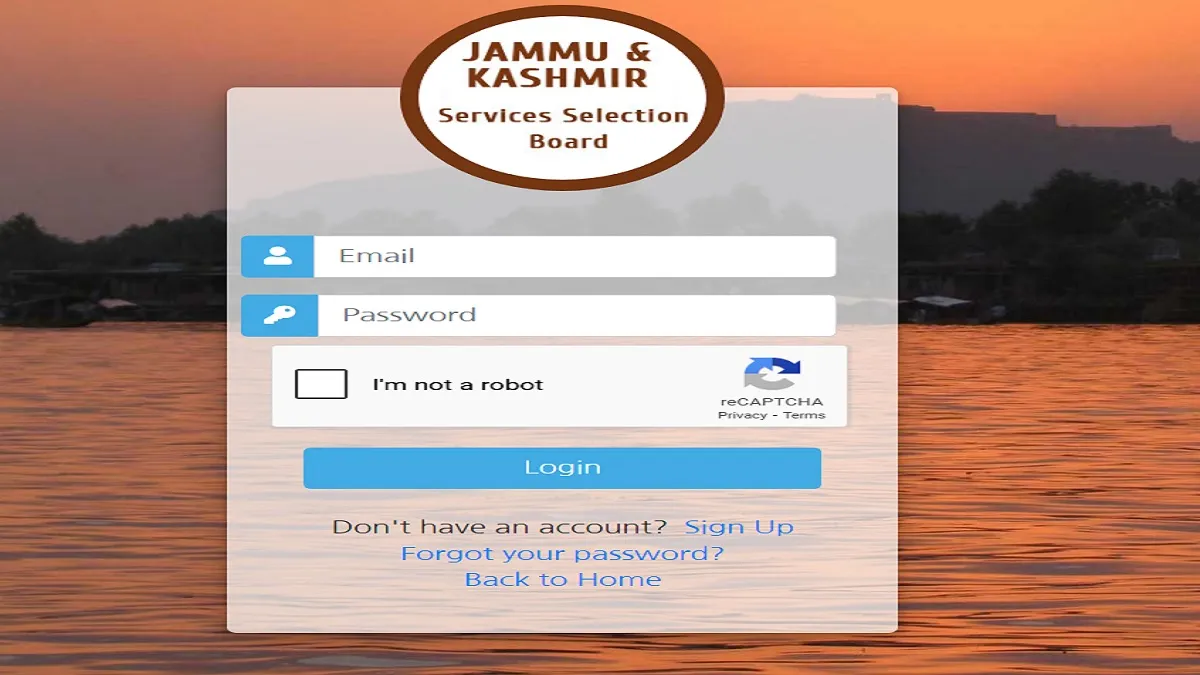
JKSSB Inspector Admit Card 2026: The Jammu and Kashmir Services Selection Board (JKSSB) will release the admit cards for the post of Inspector on March 11, 2026 on its official website. Candidates set to appear in the exam can download their admit card after using their login credentials to the link at www.jkssb.nic.in.
The OMR-based written examination is scheduled to be held on March 15, 2026 across the state.
In case, a candidate is not able to download their admit card, they may represent before the board two days before the Examination Date with valid proof of having filled in online application form and online fee.
JKSSB Inspector Admit Card 2026 Download
Candidates are required to use their login credentials including E-mail ID and Date of Birth to the link to download the JKSSB Inspector Admit Card 2026. You will get all the details of the exam incluidng schedule date, time and venue as mentioned in the admit card. You can download the hall ticket directly through the link given below-
| JKSSB Inspector Admit Card 2026 | Download Link(Active soon) |
JKSSB Inspector Admit Card 2026 Overview
The OMR-based written examination for the Inspector posts is scheduled to be held on March 15, 2026. The details related to the call letter are given in the table below:
| Name of the Exam Body | Jammu and Kashmir Services Selection Board (JKSSB) |
| Name of Recruitment Body | Wild Life Guard, Forest, Ecology and Environment Department, J&K |
| Post Name | Inspector |
| Exam date | March 15, 2026 |
| Admit card Release Date | March 11, 2026 |
| Credentials required | Email id and Date of Birth |
| Official Website | https://jkssb.nic.in/ |
How to Download JKSSB Admit Card 2026?
You can download the hall ticket for the Inspector posts after following the steps given below-
Step 1 : Go to the official website of JKSSB at -https://jkssb.nic.in/.
Step 2: Visit 'DOWNLOAD ADMITCARD' and then click the link 'Issuance of Admit Cards to the candidates for OMR Based Examination for the post of Inspector'
Step 3: Now, on the homepage, there will be an option to download E-Admit Card.
Step 4: Enter log-in credentials, i.e., Application Id.
Step 5: Click on the 'View and Print E-Admit Card' button.
Step 6: You will get the JKSSB E-Admit Card on the screen.
Step 7: Download and save it for future reference.





Comments
All Comments (0)
Join the conversation