

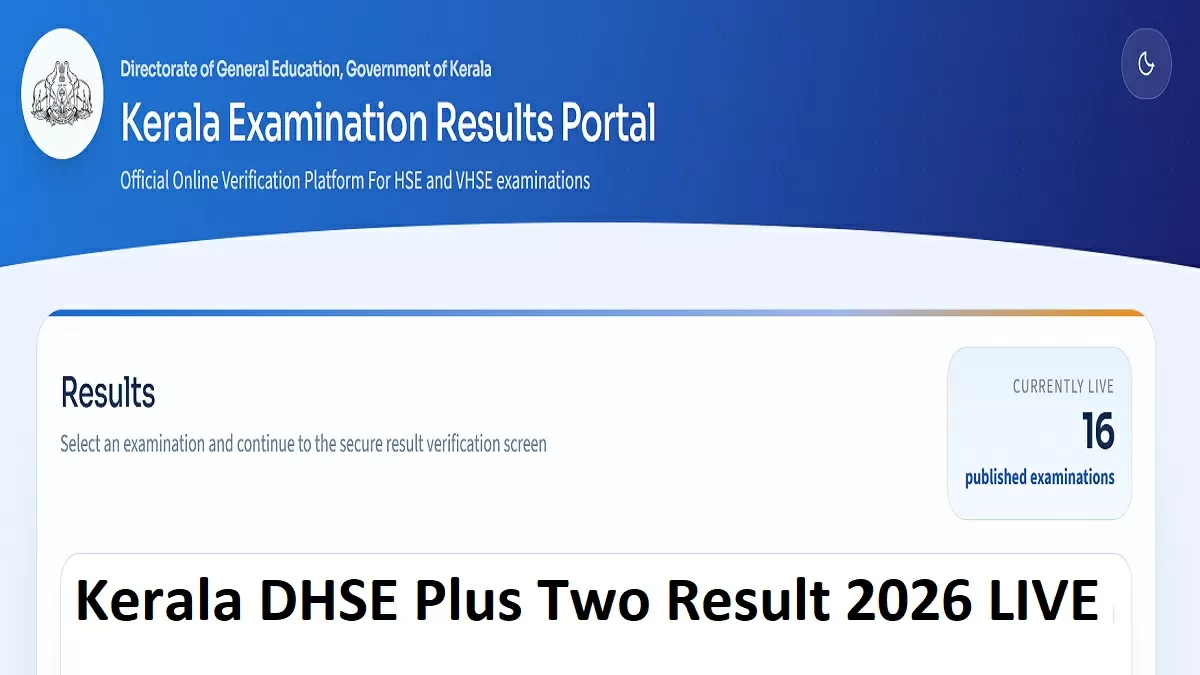
Kerala DHSE Plus Two Result 2026: The Directorate of Higher Secondary Education, Kerala, will announce the Plus 2 results tomorrow, May 26, 2026. The results will be announced at 3 PM in an official press conference by Education Minister N. Shamshudeen. Following the announcement of the result, the link to check the result will be activated on the result portals.
The Kerala Plus Two (Class 12) board examinations for 2026 were conducted by the Directorate of Higher Secondary Education (DHSE) from March 6 to March 28, 2026. Candidates who have appeared for the exams can check their Kerala Plus 2 Result 2026 using their registration number and date of birth on the official website and the designated Apps.
The link to check the result will be available on the website and the result portals. Candidates can also check the result on the DigiLocker App. Officials have also provided the SAPHALAM 2026 and iExaMS Kerala apps to check the plus 2 results.
Kerala Plus 2 Result 2026 Official Websites to Check
The Kerala Plus 2 Result 2026 will be announced online. After the result declaration during the press conference, students can visit the official website to check the result and download the marksheets.
-
nammudekeralam.kerala.gov.in
-
results.hse.kerala.gov.in
-
prd.kerala.gov.in
-
results.kerala.gov.in
-
results.digilocker.gov.in
-
results.kite.kerala.gov.in
-
examresults.kerala.gov.in
Check Kerala Plus Two Result 2026 on Mobile Apps
Kerala DHSE Plus 2 result 2026 will be announced online. Along with the official website, students can also check their class 12 results on the mobile apps. Candidates can download the following apps to check their Kerala 12th Result
-
SAPHALAM 2026
-
iExaMS Kerala
Steps to Download Kerala Plus 2 Result 2026
The Kerala Plus 2 Result 2026 for science, arts, commerce and vocational streams will be available online. Follow the steps provided below to check the result and download the online m marksheets
Step 1: Visit the official website for DHSE Kerala
Step 2: Click on Kerala Plus 2 Result 2026
Step 3: Login with the Registration number and Date of Birth
Step 4: The Plus Two marksheets will be displayed
Step 5: Download for further reference


-1779696651760.jpg)

Comments
All Comments (0)
Join the conversation