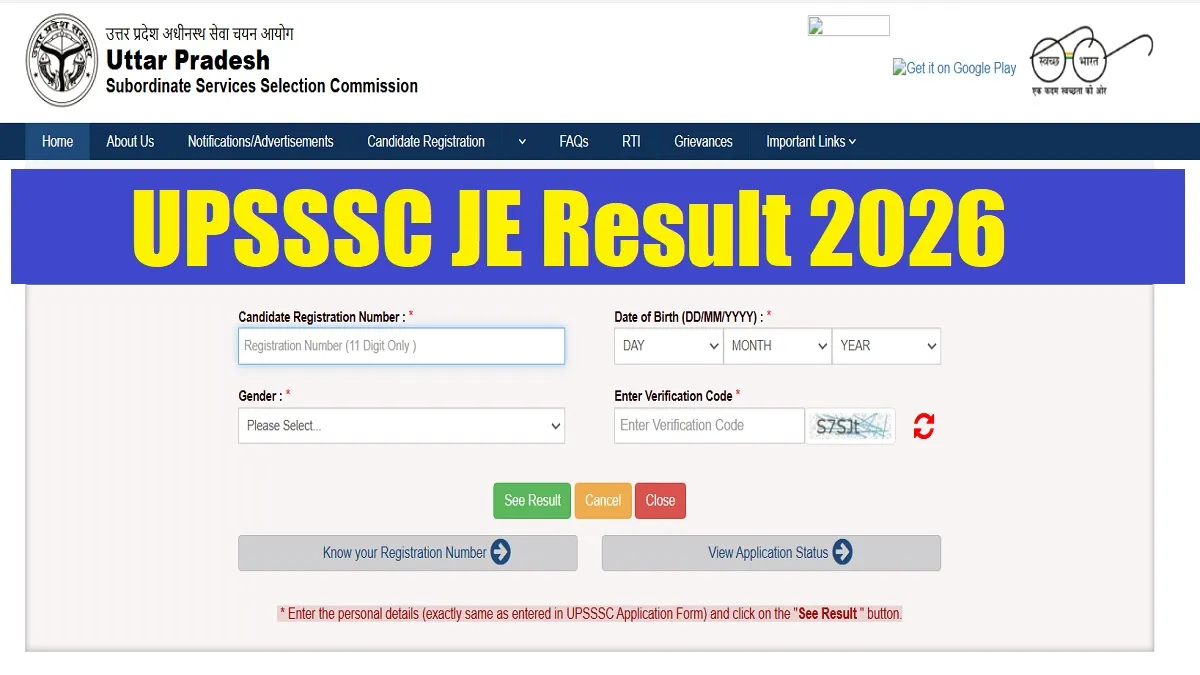
UPSSSC JE Result 2026 Out: The Uttar Pradesh Subordinate Services Selection Commission (UPSSSC) has declared the result for the recruitment of Junior Engineer (Civil) Main Examination on its official website posts. The written exam for the 4612 JE vacancies against advertisement No. 08-Exam/2024 was held to fill 4612 JE vacancies. All those candidates who appeared in the written exam can check their result after using their login credentials to the link at the official website-https://upsssc.gov.in. The direct link to check the UPSSSC JE Result 2026 is given below in the article.
UPSSSC JE Result 2026 PDF Link
The UPSSSC JE Result 2026 pdf download link is available on the official website upsssc.gov.in. Candidates can download the result pdf directly through the link given below-
| UP LT Grade Teacher Answer Key 2026 | PDF Download Link |
UPSSSC JE Result 2026 Overview
Earlier UPSSSC had conducted the Junior Engineer (Civil) Examination across the state to fill 4612 vacancies. Out of these posts, 3,739 are under General Selection and 873 posts under Special SelectionTo help candidates quickly understand the key highlights of the recruitment drive, we’ve shared an overview of the same-
| Particulars | Details |
| Organization | Uttar Pradesh Subordinate Services Selection Commission (UPSSSC) |
| Post Name | Junior Engineer |
| Advt. No. | 08-Exam/2024 |
| Total Vacancies | 4612 |
| Result status | Out |
| Official Website | https://upsssc.gov.in/ |
How to Download UPSSSC JE Result 2026?
The link to download the UPSSSC JE Result 2026 is available on the official website of UPSSSC. Candidates appeared in the written exam can download the result after following the steps given below-
1. Go to the official website: upsssc.gov.in.
2. Click on the link like “Click here to View shortlisted candidates results for Mains Examination under the advertisement - 08-Exam/2024 ” on the home page.
3. You will be redirected to a new window.
4. Provide your login credentials including Registration Number, Date of Birth etc.
5. Your JE result will appear on the screen.
6. Download the result and keep a copy safe for future reference.



Comments
All Comments (0)
Join the conversation