

Key Points
- Download NID DAT Prelim result 2026 using email id and date of birth
- Rechecking window opens at 6 PM today
- Download Prelims scorecard at admissions.nid.edu
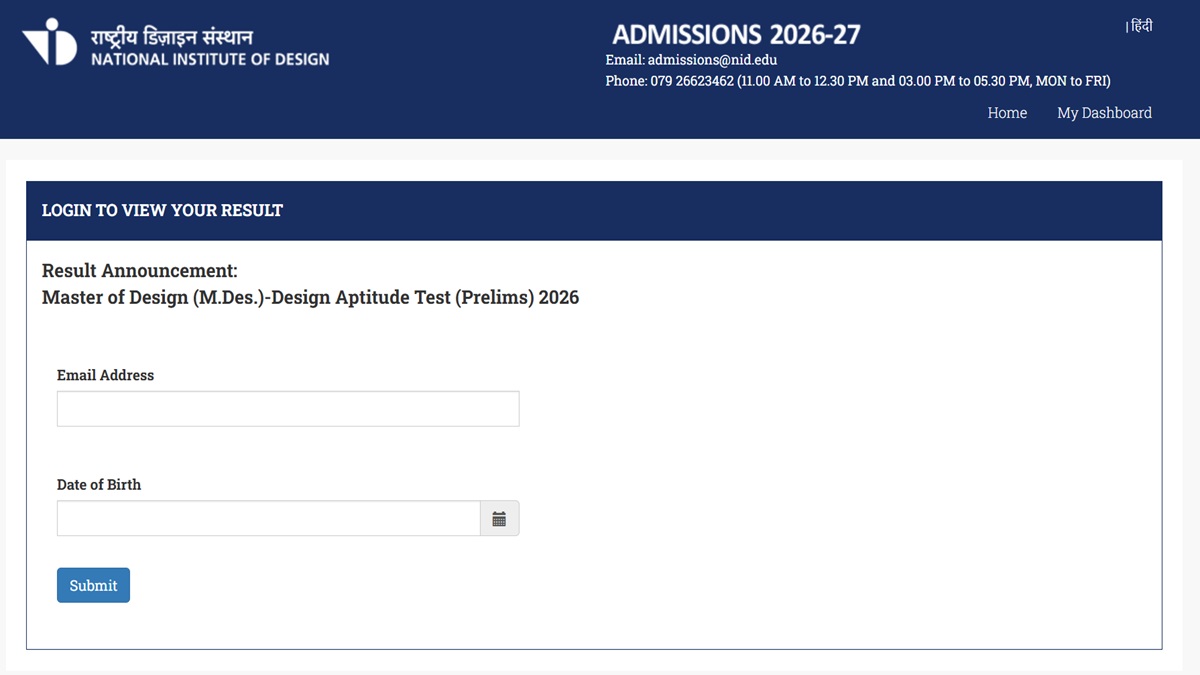
NID DAT 2026 Prelim Result: The National Institute of Design has released the NID DAT 2026 Prelim Results. The results have been announced for the Master of Design (MDesign) programme. Candidates who have appeared for the prelim exams can visit the official website to check the result and download the scorecard.
NID has also opened the window for candidates to submit their answers for rechecking. According to the notification issued, the window for students to submit their M.Des DAT Prelim result 2026 for rechecking will open at 6 PM on the official website today, February 12, 2026. Candidates can submit the rechecking applications until 11:59 PM on February 14, 2026.
NID DAT 2026 MDes Prelim Result - Click Here
M.Des DAT Prelims Result 2026 "Rechecking" window
Steps to Check NID DAT Prelim Result 2026
The NID DAT 2026 prelim result is now available on the official website. Candidates can follow the steps provided below to check the results.
Step 1: Visit the official website of NID DAT
Step 2: Click on the NID DAT MDes Prelim result link
Step 3: Login with the registered email id and password
Step 4: The NID DAT Prelim result will be displayed
Step 5: Download for further reference
NID DAT 2026: Rechecking Window
The window for students to submit their result for rechecking will open at 6 PM. Follow the steps provided below to submit the results for rechecking.
Step 1: Visit the official website of NID DAT
Step 2: Click on rechecking window
Step 3: Login with the email id and password
Step 4: Fill out the applications for rechecking
Step 5: Save and Submit
Also Read:


Comments
All Comments (0)
Join the conversation