

-1777714322157.png)
Show Key Points
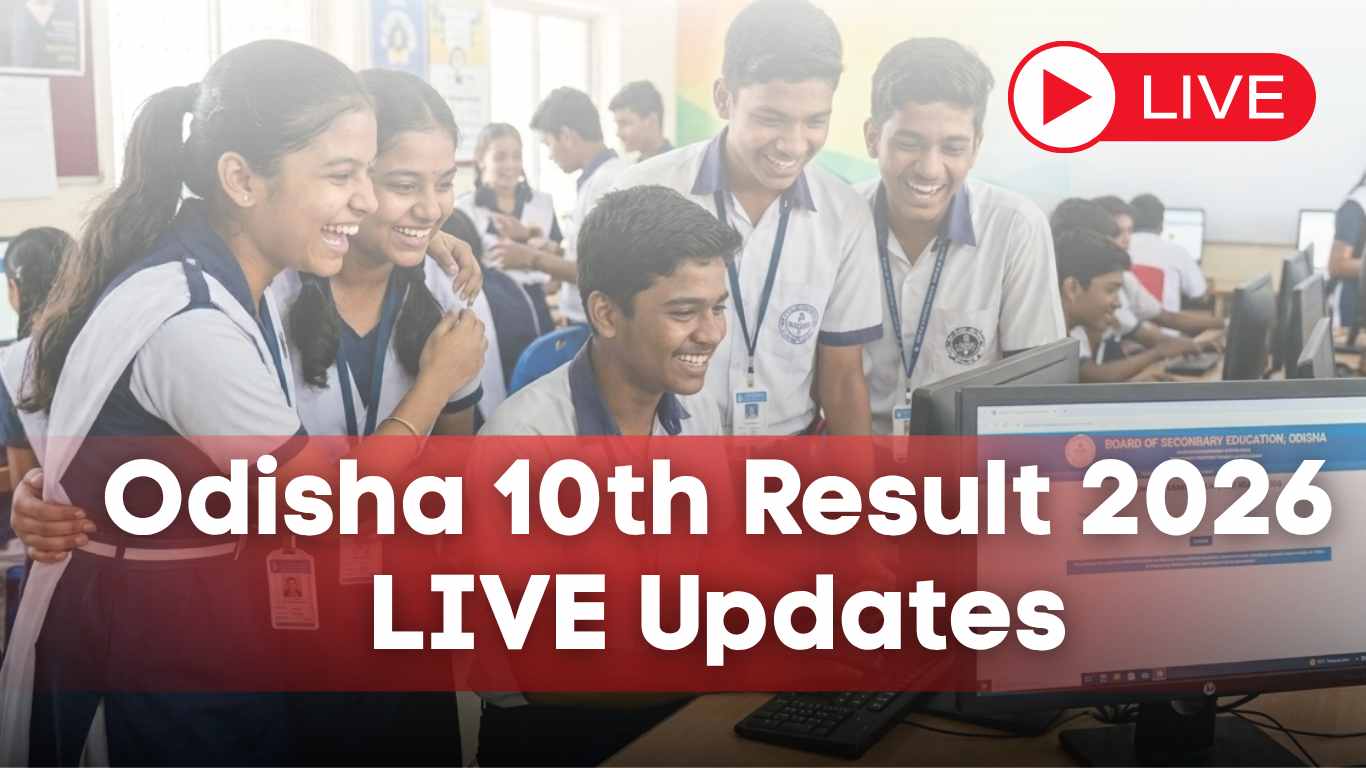
The Board of Secondary Education (BSE), Odisha, is set to release the Class 10th (Matric) examination results today, May 2, 2026. Students who appeared for the annual High School Certificate (HSC) examinations can access their digital scorecards online starting at 6:00 PM.
How to Access BSE Odisha Class 10th Results 2026?
Students can view their results by visiting the official websites maintained by the Odisha government. It is recommended to keep your admit card ready to input the required credentials.
-
Official Website:
-
Alternative Portal:
What are the Required Login Credentials to Check Your Result?
The following information is required to access your results, and can be found on your official admit card (hall ticket):
-
Roll Number: This is your own individual number, which you have been assigned in the examination.
-
Date of Birth: This is normally needed in format (DD/MM/YYYY).
Sometimes the portal can also ask you to provide your Name in conjunction, and/or in lieu of the Date of Birth; you should have your admit card close by to confirm the information.
Steps to Download Scorecard
To check your results online, follow these steps:
-
Navigate to the official website: orissaresults.nic.in or bseodisha.ac.in
-
Find and open the link that is named Annual HSC Examination Result 2026.
-
Key in your necessary credentials i.e. your Roll Number and Date of Birth as indicated on your admit card.
-
Click on the Submit button and your result is displayed on the screen.
-
Take a print of the provisional marksheet to be used later.


-1777716509515.png)
Comments
All Comments (0)
Join the conversation