

Key Points
- JEE Main 2026 Session 1 Response Sheet released today, February 4, 2026.
- Candidates can download the response sheet from the official website at jeemain.nta.nic.in.
- The objection window for the provisional answer key is open until February 6, 2026.
NTA JEE Mains 2026 Response Sheet: The National testing Agency (NTA) released the Joint Entrance Examination (JEE) Main 2026 Session 1 Response Sheet today, February 4, 2026. Candidates who took the exams can visit the official website to download their response sheets at jeemain.nta.nic.in. The result scorecards will be declared on February 12, 2026.
The agency has also opened the JEE Main answer key 2026 objection window. Students will be able to raise objections against the provisional answer key released today by February 6, 2026. The board will set up a committee to resolve the objections raised by the candidates, followed by the release of the final answer key by the agency.
How to download the JEE Main 2026 Provisional Answer Key?
Candidates will need to follow the mentioned steps to download the JEE Main 2026 Session 1 Provisional Answer Key:
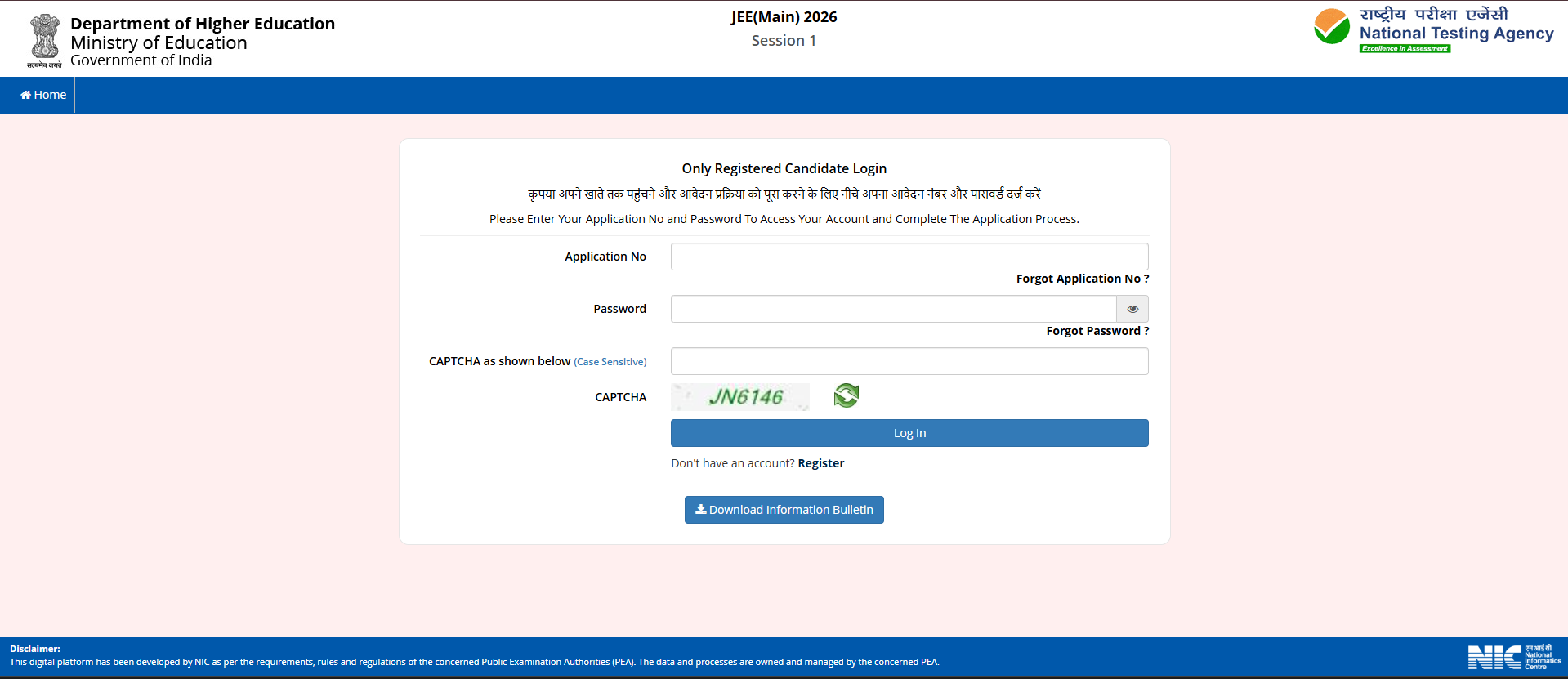
- Visit the official website at jeemain.nta.nic.in
- On the ‘LATEST NEWS’ ribbon, click on 'JEE Main 2026 Answer Key for Session 1' link
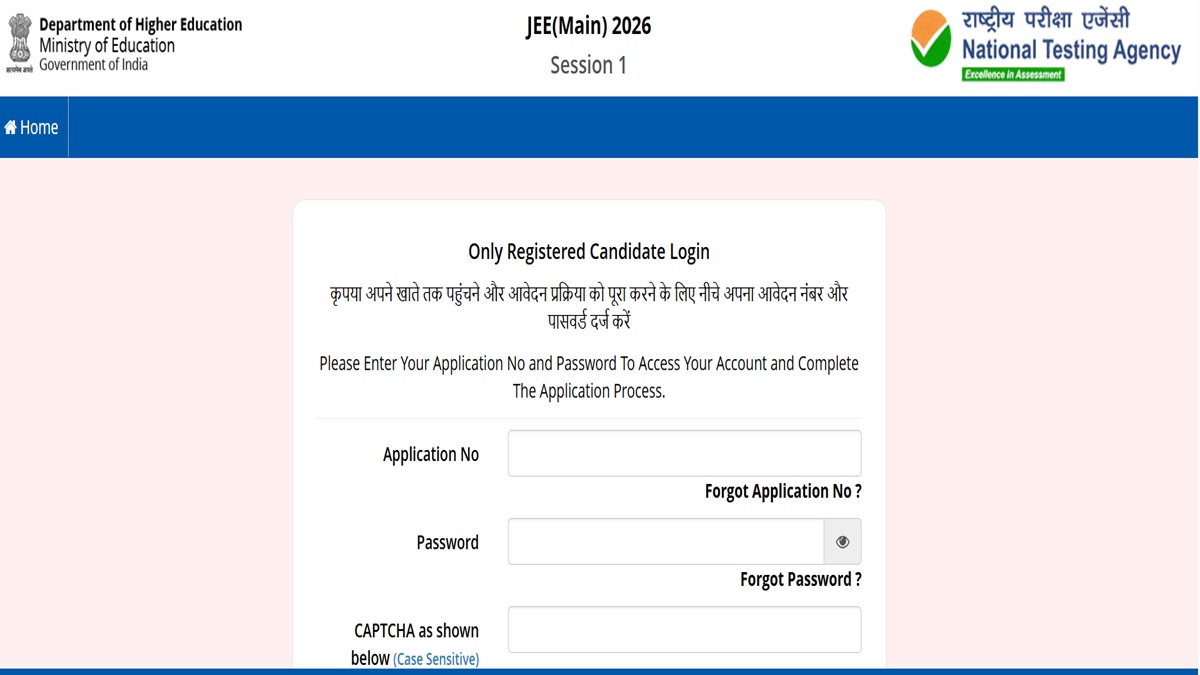
- Enter your application number and password
- JEE Main 2026 answer key PDF will appear
- Download for reference
DIRECT LINK - JEE Main 2026 Session 1 Provisional Answer Key
How to Raise Objections against JEE Main 2026 Provisional Answer Key?
Candidates can challenge the JEE Main 2026 provisional answer key online by following the mentioned steps:
- Visit the official website at jeemain.nta.nic.in
- Under ‘Candidate Login’, click on the link for raising objection against the answer key
- Log in using login credentials
- Select the question you wish to challenge
- Upload supporting documents
- Pay the challenge fee per question
- Review and submit the objection
DIRECT LINK - JEE Main 2026 Session 1 Provisional Answer Key Objection Window

![JEE Main 2026 Answer Key OUT LIVE: [Link Active] Download NTA Session 1 Response Sheet at jeemain.nta.nic.in; Key Challenge Window Open](https://img.jagranjosh.com/images/2026/February/422026/JEE-MAIN.png)

Comments
All Comments (0)
Join the conversation