IGNOU Assignment Status 2026 at ignou.ac.in; Check Assignment, Practical, Project Marks Submission Status Here
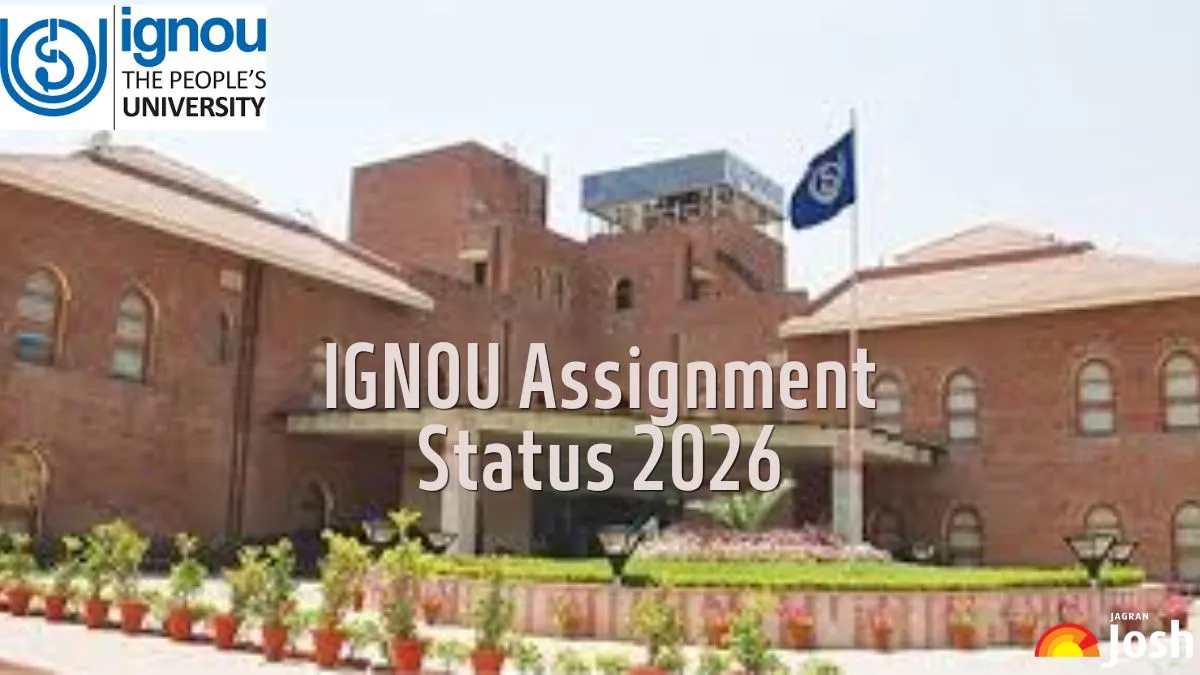
IGNOU Assignment Submission Status Link: Indira Gandhi National Open University (IGNOU) has activated the IGNOU Assignment Submission Status Link to check the assignment submission status online on its website- ignou.ac.in. Students can get the direct link below and the steps to check the IGNOU Assignment Status.
Key Points
- IGNOU activated the Assignment Submission Status Link for all enrolled students.
- Students can check their status online at ignou.ac.in with their registration number.
- The status report includes course, session, submission date, and processing status.
IGNOU Assignment Submission Status Link: The Indira Gandhi National Open University (IGNOU) has activated the IGNOU Assignment Submission Status Link for the convenience of the students. The students can check their assignment submission status online at the official website- ignou.ac.in. Assignments are an integral part of the evaluation process for IGNOU courses, and students have to submitted their assignment and project on time for academic progression. By using the official IGNOU portal, students can easily verify whether their assignments have been received and processed. To check the IGNOU Assignment Submission Status, candidates need to enter their registration number.
IGNOU Assignment Status Link
All the students who are enrolled in the university’s UG, PG, Diploma, and Certificate programmes and have submitted their assignments, practical, and project marks can check the status online from the official website of IGNOU. Here are also providing the direct link to check the IGNOU Assignment Status for the convenience of students.
| IGNOU Results 2026 |
How to to Check IGNOU Assignment Status
After submitting their assignment and project to the university, the students can check status whether their assignments have been received and processed or not by following these simple steps mentioned below:
Step 1: Visit the official website of IGNOU: www.ignou.ac.in.
Step 2: Click on the "Student Support" tab in the main menu.
Step 3: Select "Assignment Status."
Step 4: Fii in all the required details like enrollment number and select your program code and click on the "Submit" button.
Step 5: Your assignment status will be displayed on the screen.
Step 6: Students can download or print this page for future reference.
Details Mentioned on IGNOU Assignment Status Report
The IGNOU Assignment Status Report will contain the following information.
-
Course
-
Session
-
Submission Date
-
Status
IGNOU Assignment Status and Their Meanings
The IGNOU assignment status usually shows four messages, Not Recived, Received, Under Exaluation, Completed.
-
Received: The assignment has been received but is yet to be evaluated.
-
Under Evaluation: The assignment is currently being assessed by the evaluator.
-
Completed: The assignment has been evaluated, and marks are updated.
-
Not Received: The assignment has not been received by the study center or is not yet updated in the system.
Indira Gandhi National Open University: Highlights
Indira Gandhi National Open University, commonly known as IGNOU, is a public distance-learning university located in New Delhi. The university is named after the former Prime Minister of India, Indira Gandhi. The university was established in 1985.
| Indira Gandhi National Open University: Highlights | |
| University Name | Indira Gandhi National Open University |
| Established | 1985 |
| Location | New Delhi |
| IGNOU Assignment Status Check Link | |
| Accreditations | NAAC |
| Approvals | UGC |
| Gender | Co-ed |
| Official Website | ignou.ac.in |
Enter your Blink text here...

Sunil Sharma is an education consultant with over 14 years of experience. He holds an MSc in Mathematics. He has worked as an Subject Matter Expert (SME) at Vriti Infocom Private Limited and Aakash Edutech Private Limited. At Jagran Josh, writes for the Govt exam vertical. He possesses a strong analytical approach that enables him to effectively decode examination patterns, trends, and requirements, helping aspirants access clear and insightful exam-related content.
Sunil has expertise in Quantitative Aptitude, Logical Reasoning, and English, making him a versatile professional in the education and test preparation sector. He has created content for various management exams CAT, XAT and also for exams such as CUET etc